
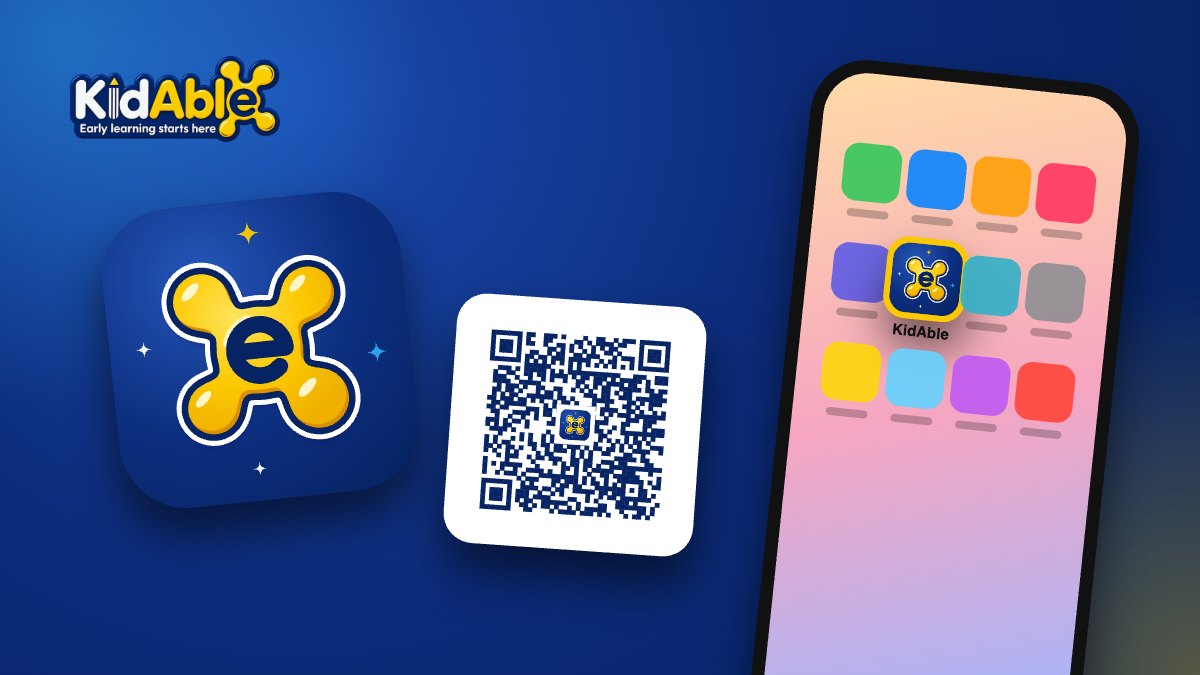
Attendance, results, homework and teacher feedback: everything you need to follow your child at KidAble is now one tap away. The new KidAble app for parents puts your parent space on your phone’s home screen, like any other app.
- Free, on iPhone and Android.
- Nothing to download from the App Store or Play Store: it installs in about 30 seconds.
- Same sign-in: use the parent username and password you already have.
How to install it
On Android (Chrome)
- Open education.kid-able.com/app on your phone, or scan the QR code below.
- Tap Install the app, then Install.
- The KidAble icon appears on your home screen.
On iPhone (Safari)
- Open the same page in Safari.
- Tap the Share button (on iOS 26, first tap •••), then Add to Home Screen.
- Tap Add. That’s it.
Scan to install

The same QR code is printed on your KidAble receipts.
Good to know
Forgot your password? Use “Forgot your password?” on the sign-in page, or ask your school.
The link opened inside Facebook or LINE? Open it in Safari or Chrome: apps can only be installed from your phone’s browser. The page shows you how.
Not a KidAble family yet? Discover our programs or book a free trial class.